
Mipmap Generator (Texture Mip Chain)
Make all the mip levels of a texture, see them side by side, and download each level or a ZIP.
Free · runs in your browser · nothing is uploaded
Recent
Your last 10 settings, saved only in this browser. Nothing is uploaded.
How to use the Mipmap Generator
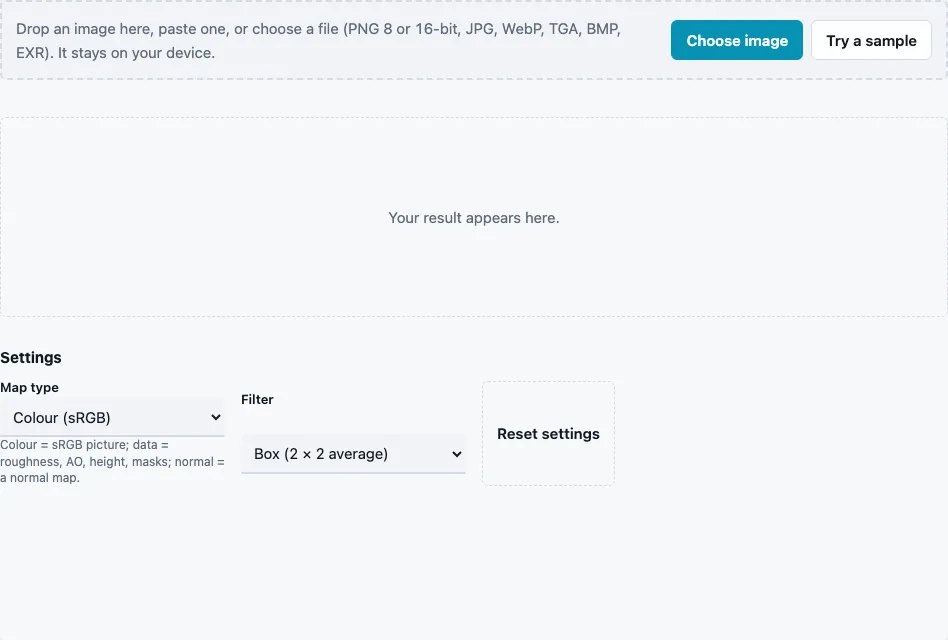
- Drop a texture on the tool, paste it or press Choose image. Try a sample loads a 512 × 512 brick image. Images up to 4096 px (2048 px on phones) are used at full size.
- Set Map type: Colour (sRGB) for photos and albedo, Data for roughness, AO, height and masks, or Normal map.
- Choose a Filter: Box (2 × 2 average; default) or Lanczos 3, which keeps the smaller levels a little sharper.
- Read Size, Levels and Smallest in the stats line; the sample gives 10 levels, the smallest 1 × 1.
- Look at the Mip strip: level 0 on the left, the smaller levels stacked beside it.
- Press Download Mip strip, pick a level in the Mip level menu and press Download level, or press Download all (ZIP) for every level as its own file.
The File format menu applies to every download: 16-bit PNG for height data, 8-bit PNG or TGA for colour. Use the strip to spot problems: fine stripes that turn into moiré, a normal map that goes flat at small sizes, or a thin line that disappears early. Levels download with their sizes in the menu, so you can pick exactly the one a format or engine asks for.
Compare the map types on the same image to see why they matter: a normal map run as Colour gets flatter level by level, while the Normal map setting keeps its relief readable down to the small levels.
How many mip levels does a texture have?
A full chain has floor(log2(longest side)) + 1 levels, counting the original as level 0. Each level halves both sides, rounding down, until the longest side reaches 1. A 1024 × 1024 texture therefore has 11 levels, and an 8192 × 8192 texture 14, the same count Epic’s texture documentation gives for 1 × 1 to 8192 × 8192.
| Texture | Levels | Smallest |
|---|---|---|
| 1024 × 1024 | 11 | 1 × 1 |
| 2048 × 2048 | 12 | 1 × 1 |
| 4096 × 4096 | 13 | 1 × 1 |
| 1000 × 600 | 10 | 1 × 1 |
| 300 × 200 | 9 | 1 × 1 |
What happens with odd sizes?
Each level is half the previous one, rounded down, and a side that has reached 1 stays 1. A 300 × 200 texture goes 300 × 200, 150 × 100, 75 × 50, 37 × 25, 18 × 12, 9 × 6, 4 × 3, 2 × 1 and 1 × 1. A 256 × 64 strip goes down to 4 × 1, 2 × 1 and 1 × 1, nine levels in all. With the box filter, odd sizes are averaged with area weights, so pixels on the dividing line count partly toward both sides instead of being dropped.
What is a mipmap?
A mipmap is one of the pre-shrunk copies in that chain. When a textured surface is far away or seen at a steep angle, many texture pixels fall into one screen pixel; sampling the full-size texture then picks pixels almost at random and the surface shimmers. Reading a smaller, pre-averaged level gives the right average colour instead. The chain adds about a third to the memory of the texture.
How is each level averaged?
| Map type | How four pixels become one |
|---|---|
| Colour (sRGB) | converted to linear light, weighted by alpha (premultiplied, so transparent pixels do not darken the edges), averaged, converted back; alpha averaged as stored |
| Data | averaged as stored, alpha included (it may hold data such as smoothness) |
| Normal map | decoded to vectors, averaged, rescaled to length 1, encoded again |
Each level is made from the one before it, not from the original, so every step is a plain halving of the level above. With Lanczos 3 the previous level is resampled with the wider Lanczos kernel, and normal maps are still renormalized at every step.
Why do distant textures look blurry with mipmaps?
The small levels really are averages, so detail finer than a screen pixel is gone by design; that is what stops shimmering. Engines can add anisotropic filtering to keep surfaces seen at a steep angle sharper.
Questions and answers
Why are normal maps renormalized?
Averaging directions shortens them, so each level would get flatter and darker. Renormalizing restores length 1 at every level.
Do I need to make mipmaps myself?
Usually not; engines and texture tools build them on import. Make them here to inspect them, or when a pipeline needs the levels as separate files.
Which filter should I choose?
Box is the standard 2 × 2 average and never adds halos. Lanczos 3 keeps more contrast in the small levels and can add a faint halo at hard edges.
Why does the colour of small levels look right?
Colour maps are averaged in linear light, so a fine black-and-white pattern turns into the grey it really looks like at a distance, not a darker one.
What image sizes work here?
Any size up to 4096 px on the long side (2048 px on phones); larger images are scaled down first. Power-of-two sizes give clean halves at every level.
Can I get one specific level?
Yes. Pick it in the Mip level menu, which lists every level with its size, and press Download level.
Does the strip show transparency?
Yes. The strip is saved with a transparent background around the smaller levels, and textures with alpha keep it at every level.
Can I make mipmaps for a non-square texture?
Yes. Both sides halve independently until each reaches 1, as in the 300 × 200 example above.
Related tools
- Power of Two Texture Resizer: get a size that halves cleanly first.
- Normal Map Checker: check a level for short vectors.
- Texture Packer: sprite sheets with padding against mip bleeding.
- ORM Texture Packer: packed data maps, averaged as data.
- Tileable Texture Tester: seams show up early in small levels.
- Texture Channel Splitter: look at one channel of a level.