
Metallic Map Generator
Make a black-and-white metallic mask from a texture, by brightness or by picking the metal's colour.
Free · runs in your browser · nothing is uploaded
Recent
Your last 10 settings, saved only in this browser. Nothing is uploaded.
How to use the Metallic Map Generator
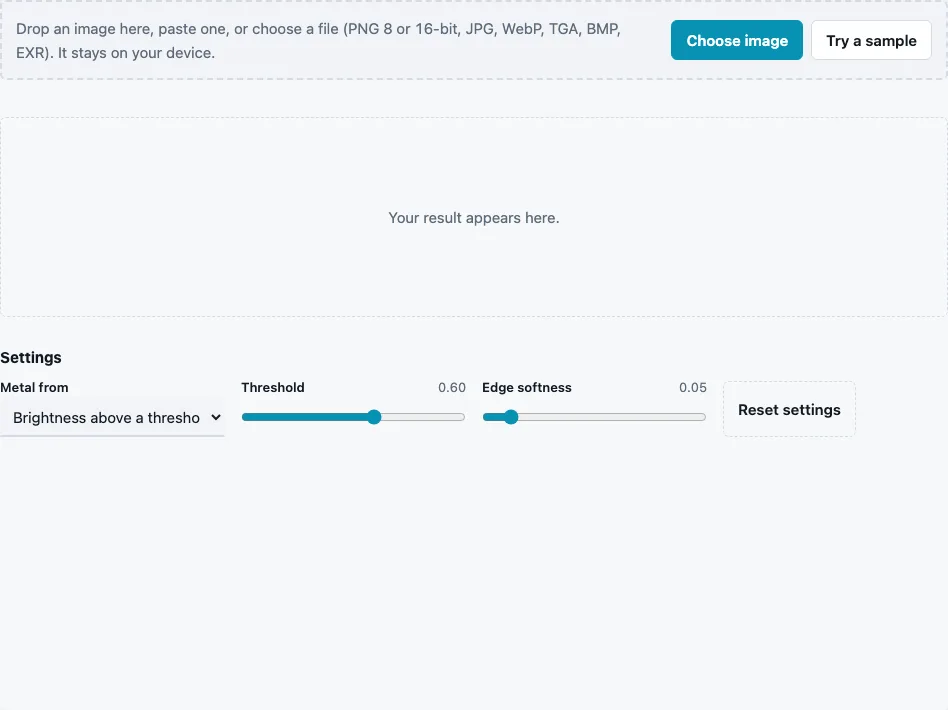
- Drop a texture on the tool, paste it or press Choose image. Try a sample loads a brick wall with three grey steel plates.
- Choose Metal from: Brightness above a threshold (default), A key colour, or One value everywhere.
- With brightness, set Threshold (0 to 1, default 0.6). Pixels brighter than it become metal.
- With a key colour, pick Metal colour (default #c8c8c8) and set Tolerance (0 to 1, default 0.15) for how close a pixel’s colour must be to count as metal.
- With one value, set Metallic value (0 to 1, default 1) for the whole map.
- Set Edge softness (0 to 0.5, default 0.05) to turn the hard step at the boundary into a short ramp. 0 gives a hard edge.
- Read Metal in the stats line, the share of pixels at 0.5 or above, and check the sphere in the 3D preview.
- Press Download Metallic.
On the built-in sample the default threshold marks 15.2 % of the image as metal: the three plates, and nothing of the bricks. If the number is far from what you expect, look at the mask before you use it; that is the quickest sign that a bright non-metal has slipped through or a dark metal has been missed.
Switch Show in the 3D preview to Metallic only to see the mask on the sphere, then back to Lit material: metal areas should pick up the colour of their reflections, non-metal areas keep their own colour.
Should a metallic map be only black and white?
Almost always, yes. A surface is either bare metal or it is not, so most pixels should be 0 or 1. In-between values belong only where the two really mix within a pixel: anti-aliased edges, thin dust or dirt on metal, or worn paint showing metal through. Large areas of mid grey describe a material that is neither, which tends to look dull and plastic under light.
That is why the default edge softness is small (0.05). It smooths the boundary without creating a wide band of grey. The two mask modes work like this:
| Mode | Rule | Watch out for |
|---|---|---|
| Brightness above a threshold | grey above the threshold becomes 1, with a ramp of the softness width around it | bright non-metals (white paint, paper, sky) pass too |
| A key colour | colour distance in RGB to the key; within the tolerance becomes 1, fading out over the softness | metal under coloured light or in shadow drifts away from the key |
| One value everywhere | the metallic value on every pixel | only for materials that are entirely one thing |
What is a metallic map?
A metallic map is a grey linear map used in the metallic/roughness workflow: 1 marks metal, 0 non-metal. The shader uses it to decide whether the albedo colour is diffuse colour (non-metal) or the colour of the reflection (metal). In glTF it is read from the blue channel of the metallic-roughness texture, which the ORM Texture Packer can build.
Which mode suits which texture?
Brightness works when the metal is the brightest thing in the image, like the polished plates in the sample. A key colour works when metal has a distinct tint, such as brass or copper against grey stone, or when bright paint would fool a threshold. For a texture that is entirely metal, such as a sheet of brushed steel, One value everywhere at 1 is faster and cleaner than any mask. Where neither mode separates the metal well, use the result as a starting point and paint the remaining areas by hand.
Questions and answers
How do I generate a metalness map?
Load the texture, pick the mode that separates the metal best, tune the threshold or tolerance until the Metal share and the mask look right, and download. Clean up stray pixels in an image editor if needed.
Why did white paint turn into metal?
The brightness threshold only sees brightness. Switch to A key colour and pick the metal’s colour, or paint the paint area black afterwards.
What does the Metal percentage mean?
The share of pixels with a value of 0.5 or more. It is a quick check that the mask covers roughly the area you expect.
How do I use the metallic map in a glTF model?
Put it into the blue channel of the metallic-roughness texture, with roughness in green; the ORM Texture Packer does that and also fills red with AO.
Can rust or painted metal be metallic?
Rust and paint are non-metals, so they stay black. Only exposed bare metal is white.
Should the metallic map be sRGB?
No. It is data; import it with sRGB off.
How does Edge softness work?
Around the threshold, or past the tolerance, values ramp from 1 to 0 over the softness width instead of jumping. 0.05 gives a narrow, anti-aliased edge; larger values make a wider grey band.
Can I use the mask for a different purpose?
Yes. It is an ordinary grey PNG, so it also works as a selection mask for dirt, wear or decals.
Related tools
- Roughness Map Generator: the second half of the metallic/roughness pair.
- Specular Map Generator: the same materials in the specular/gloss workflow.
- ORM Texture Packer: pack metallic into blue with AO and roughness.
- PBR Texture Generator: a full material from one photo.
- PBR Material Viewer: see the mask’s effect on a lit material.
- Curvature Map Generator: edge masks for worn-metal effects.